Physical Address
304 North Cardinal St.
Dorchester Center, MA 02124
Physical Address
304 North Cardinal St.
Dorchester Center, MA 02124

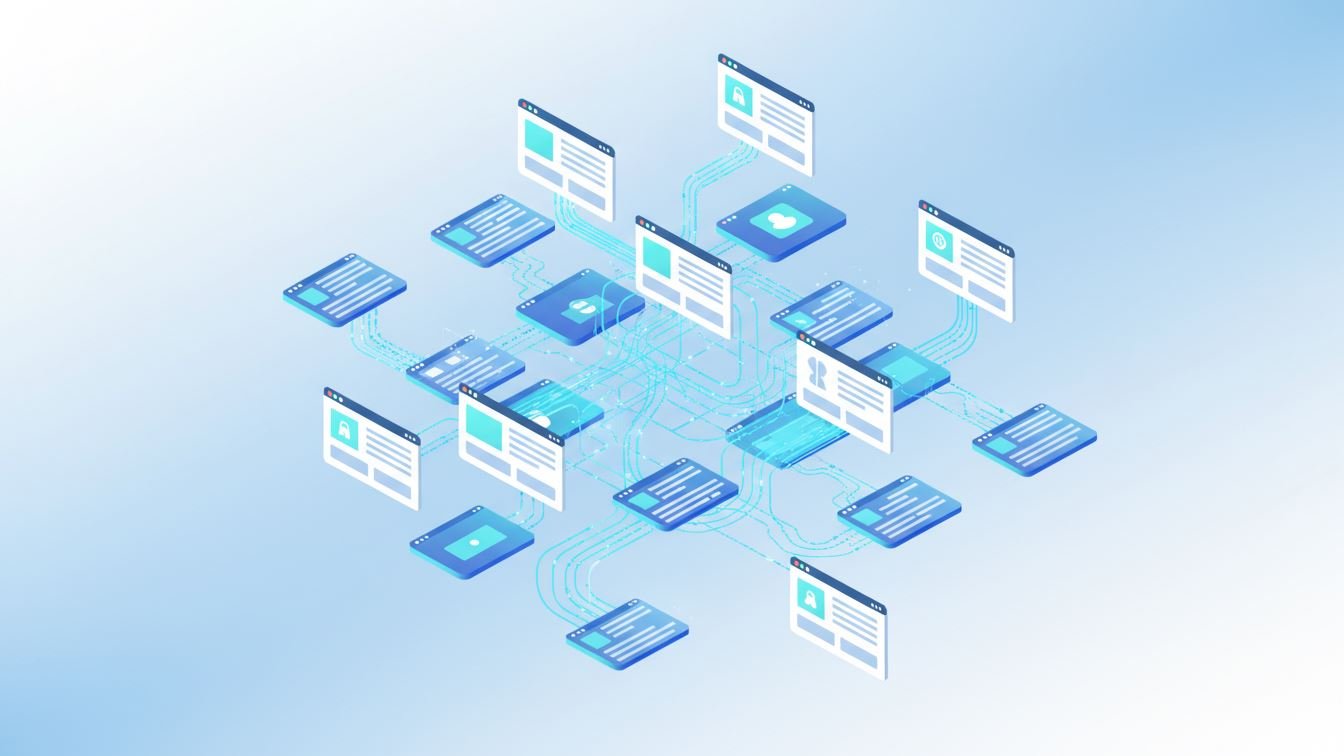
Internal linking often feels like an afterthought when creating or managing content. Yet, it quietly shapes how search engines crawl your site and how visitors navigate through your material. In busy digital landscapes, automating this process has grown from a convenience to a necessity.
But what exactly does automating internal linking entail? How can it work without making your site feel robotic or repetitive? Let’s dive into the ins and outs of this fascinating workflow—sharing practical examples, highlighting common traps, and revealing benefits that might surprise you.
Before we talk about automation, a quick reminder: internal links are the roadways connecting your pages. They guide visitors to related topics, distribute page authority, and help search engines better understand your site’s structure.
When done well, internal linking boosts user experience and SEO simultaneously. But manually building and maintaining these connections—especially for large sites—can be tedious and error-prone.
At its core, automation means using tools or scripts to identify relevant opportunities and insert internal links intelligently. Unlike random or blanket linking, good automation strategies rely on clear data points: keywords, content topics, page hierarchy, and user behavior patterns.
Consider it like having an always-on assistant who scans your new and existing content, spots thematic matches, and quietly weaves those links across your site—without excessive human oversight.
Most automation workflows start by analyzing your website’s content database. Here’s a simplified sequence many tools follow:
More advanced systems even incorporate machine learning to adjust linking strategies based on click-through rates or engagement metrics—turning automation into a feedback loop.
Imagine a sizable blog covering diverse travel destinations. Every time an article about “Hidden Beaches in Thailand” gets published, the automation tool identifies existing pages on “Thailand travel tips” or “Beach safety basics” and links them contextually within the new post. Likewise, older articles get updated with new links pointing back to the recent content.
This dynamic linking enriches navigation, reduces content isolation, and ensures freshness without manual intervention.
Automation isn’t a magic bullet. Without thoughtful setup, it risks creating unnatural link patterns—overstuffing anchor text or linking where it doesn’t truly add value.
Common misconceptions include:
To avoid these pitfalls, it’s crucial to balance automation with human oversight. Configuring rules for link frequency, anchor diversity, and context sensitivity helps keep your internal linking authentic and useful.
Automating internal linking is less about handing over control and more about enhancing your workflow. It turns a repetitive, detail-heavy task into an efficient, data-driven process—freeing up time to focus on creating richer content.
By embracing automation thoughtfully, you create a living web of connections that grow smarter with time, supporting both SEO goals and user experience. Like any tool, its value depends on how well you wield it—so keep refining, testing, and aligning it with your content strategy.
In the end, a well-linked site feels less like a collection of pages and more like a coherent story, inviting visitors to explore every chapter seamlessly.