Physical Address
304 North Cardinal St.
Dorchester Center, MA 02124
Physical Address
304 North Cardinal St.
Dorchester Center, MA 02124

Think of headings as the signposts on a road trip. When you’re driving through a new town, those street signs and directional markers keep you oriented and help you reach your destination without frustration. Content works much the same way. Headings break down information into digestible chunks, making it easier for readers to scan, understand, and stay engaged.
Beyond just helping readers, headings have a subtle but powerful role in how search engines interpret your content. They provide a structural outline that reveals the relationship between different parts of your text. This can improve your visibility and ranking by signaling relevancy and clarity.
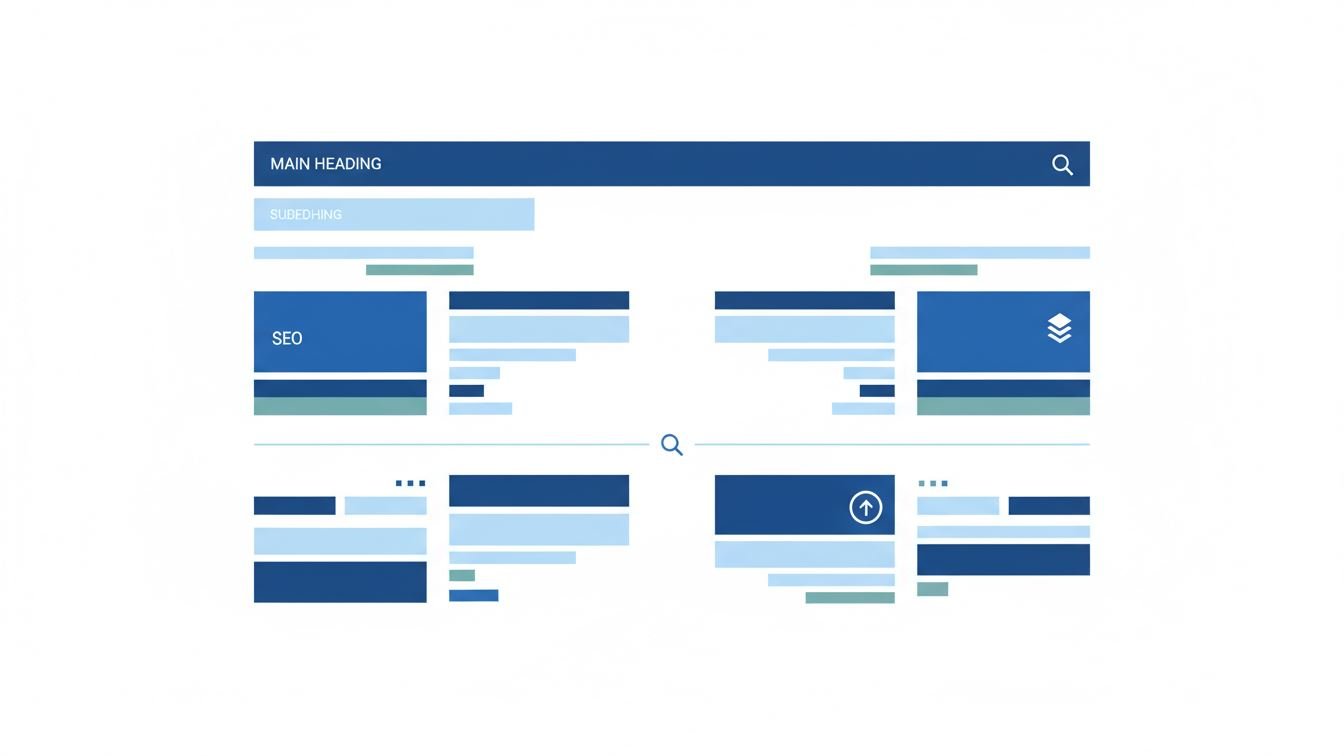
Headings aren’t merely about making some lines stand out in bold. They establish a hierarchy, outlining the flow and organization of your content. Typically, you start with a main topic heading followed by subheadings to divide sections, and sometimes even sub-subheadings to drill further down.
HTML gives us six levels of headings, from <h1> to <h6>. While the CMS often reserves <h1> for the article title, you control everything else. Using these levels properly is like building an outline that both humans and machines can read comfortably.
A good heading acts like a mini summary. It tells readers what to expect next without overwhelming them with detail. Clarity is key, but don’t shy away from a touch of creativity or personality, especially if it fits your audience’s vibe. The trick is balancing informativeness with appeal.
Ever landed on a dense block of text and clicked away immediately? That’s what happens when content isn’t broken up. Headings create natural stopping points and guide eyes smoothly through the material. They allow readers to skim and jump to parts that interest them most, saving time and reducing frustration.
In practical terms, an article with well-structured headings is like a well-organized book. Imagine an article on cooking techniques: a top-level heading introduces the topic, subheadings for “Baking,” “Grilling,” and “Steaming” create sections, and then smaller headings dive into specific methods within each category.
Consider a blog post about “Improving Sleep Quality.” Instead of one giant wall of text, you might see headings like:
This structure lets readers find the info most relevant to them quickly—whether they’re curious about the science behind sleep or just want actionable tips.
Search engines rely heavily on headings to grasp the context of your content. Properly used, headings can boost your SEO by improving keyword relevance and content comprehension. It helps crawlers parse your article into meaningful parts rather than a flat blob of text.
Accessibility is another crucial angle. Screen readers use headings to navigate, enabling visually impaired users to jump through sections efficiently. Without clear heading structures, the user experience can become frustrating or even unusable.
It’s easy to slip into a few avoidable mistakes when using headings. One common error is skipping heading levels, like jumping from <h2> directly to <h4>. This disrupts the content’s hierarchy and might confuse readers and search engines alike.
Another frequent issue is turning headings into full sentences or entire paragraphs. Remember, headings should be concise signposts, not mini paragraphs. Overly long headings dilute their impact and make scanning tougher.
Finally, stuffing headings with keywords in an unnatural way can hurt your credibility and SEO. Search engines are smart enough to recognize when a heading is forced or spammy. Instead, aim for a balanced approach that serves both humans and algorithms.
When you think about organizing your content, headings might seem like a small detail, but their influence runs deep. They shape how information is consumed, understood, and found online. By thoughtfully crafting and structuring your headings, you’re not just making your writing prettier—you’re building a more effective communication tool.
In the end, great headings invite readers in, clarify your message, and keep both audiences and search engines happy. So next time you write, don’t just slap in a few bold lines—consider your headings as vital stepping stones guiding every reader on a smooth journey through your ideas.