Physical Address
304 North Cardinal St.
Dorchester Center, MA 02124
Physical Address
304 North Cardinal St.
Dorchester Center, MA 02124

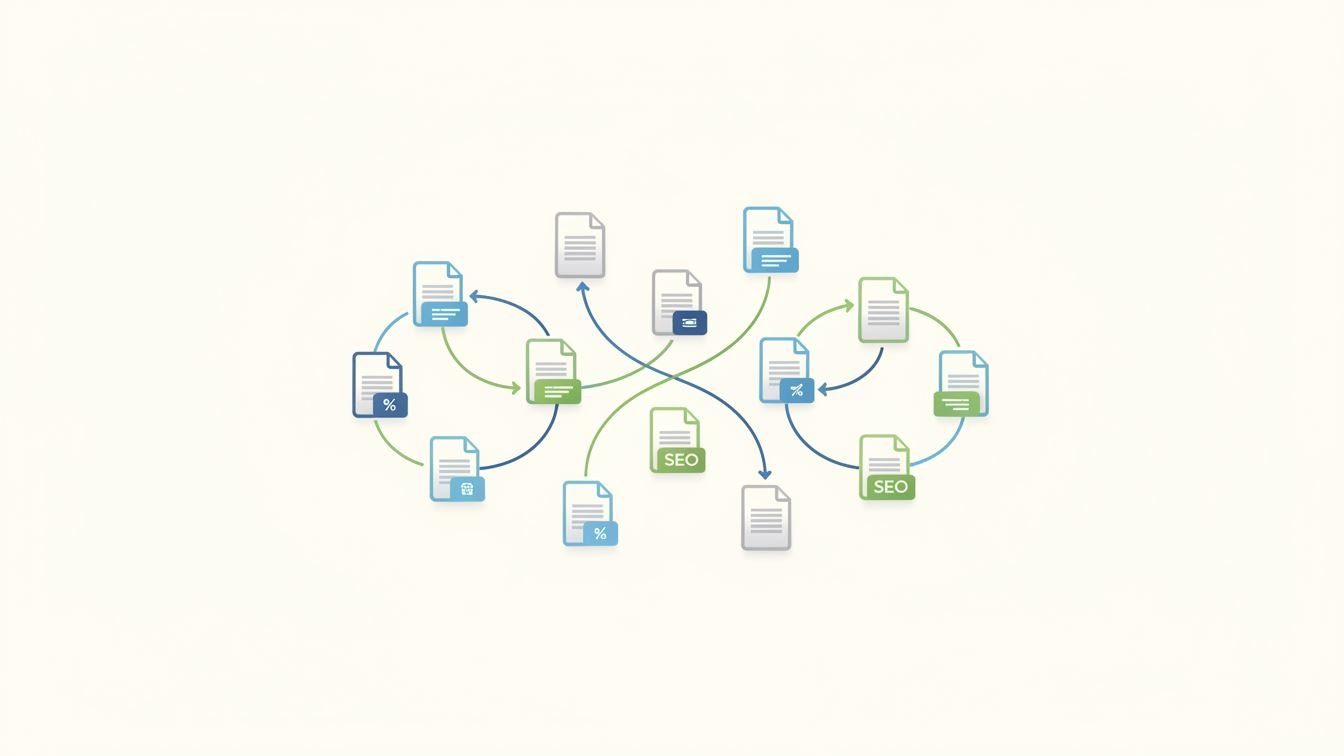
When it comes to online content, connecting the dots between related pieces isn’t just a nice-to-have; it’s a strategic move that benefits both readers and search engines. Linking related articles enhances the user experience by guiding visitors naturally through your content, while also signaling to Google how your topics interconnect. But beyond the classic “you might also like” section, the practice of linking related articles weaves a subtle web of relevance and authority across your website.
Think of your website as a sprawling city, and each article as a distinct neighborhood. Without roads leading between them, visitors could get stuck in one place or leave prematurely. Internal links act like those roads, leading users from one interesting spot to another seamlessly. This keeps engagement high, reduces bounce rates, and increases the likelihood that readers dive deeper into your site.
From an SEO standpoint, linking related articles helps search engines understand your site’s structure. It clarifies topic clusters, distributes page authority, and can improve rankings for multiple pages rather than just a standalone article. This interconnectedness makes your content ecosystem appear more organized and valuable.
Not every article deserves a hyperlink just because it exists on your site. The key is relevance and adding value to the reader. Start by grouping your content into themes or categories—say, a cooking blog might have sections for baking, grilling, and healthy eating.
Within these clusters, you want to find natural connections. For example, a recipe post on homemade bread pairs well with an article on the science of yeast fermentation. The link should feel organic, like continuing a conversation rather than inserting a random suggestion.
There’s both an art and a science to integrating internal links. Overstuffing a page with links can feel spammy and disrupt reader flow. Instead, aim for a few well-placed links embedded naturally in the content.
Context is everything. For example, within a paragraph discussing SEO basics, linking the phrase “keyword research tools” to a detailed guide on that topic provides immediate value. Similarly, you can include a “further reading” list at the end of an article, showcasing two or three related pieces that expand on the subject.
Imagine you run a travel blog. An article about “Top 10 European Cities to Visit” can link to related posts like “Best Food Tours in Paris” or “Budget Travel Tips for Rome.” Each link invites the reader to explore more niche information while reinforcing the overall travel theme.
On a tech site, a review of a laptop might connect naturally to a guide on “Choosing the Right Processor” or a tutorial on “Optimizing Battery Life.” This layered approach keeps readers engaged and helps search engines see the content as a comprehensive resource.
Some publishers fall into the trap of linking just to raise page views or SEO metrics, resulting in irrelevant, force-fitted connections that confuse visitors. Others link every instance of a keyword, turning their articles into a dense forest of hyperlinks that hinder readability.
Also, ignoring your site’s overall linking strategy can lead to orphan pages—valuable content with no internal links pointing to it, making it harder for both users and search engines to find.
In a digital world flooded with content, anyone can create an article. But the real value lies in how these articles relate to each other and form a comprehensive, navigable whole. Linking related articles turns isolated pieces into interconnected stories and insights.
This practice respects the reader’s journey, delivers richer user experiences, and improves site authority. When thoughtfully applied, it becomes a pillar in your content strategy, helping your site grow in both traffic and credibility over time.
Linking related articles might seem like a small detail, but it’s one of those subtle moves that pays dividends in the long run. By connecting your content intelligently, you create a network of knowledge that both your audience and search engines appreciate.
Ultimately, it boils down to thinking like a visitor: what would make their journey easier, more engaging, and more insightful? When you answer that question and link your articles accordingly, you build bridges instead of islands—turning your website into a vibrant, living resource rather than a mere collection of pages.